Sound check
How to connect a kids karaoke machine and find songs
The first five minutes decide whether a new karaoke machine becomes a favorite. Here is the order we use ourselves.
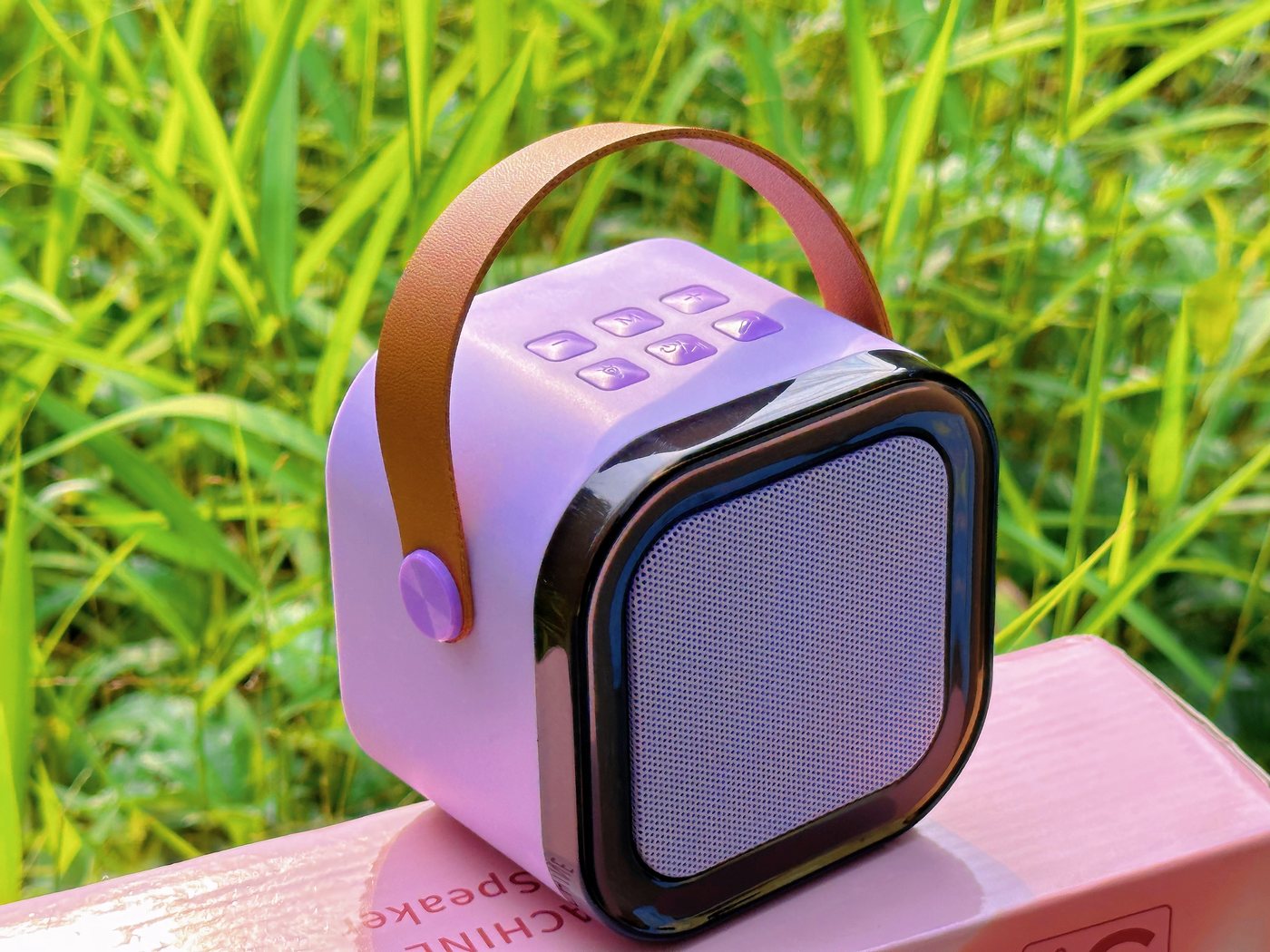
Power, then microphones
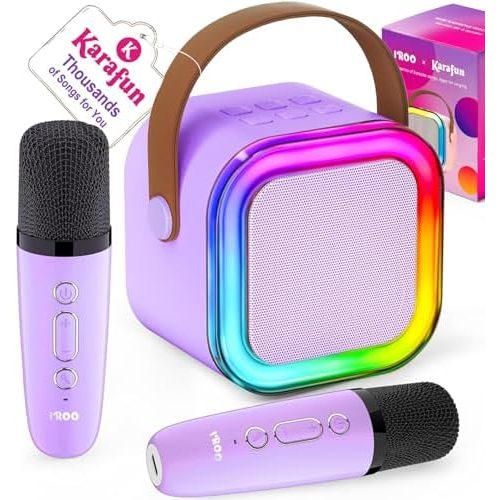
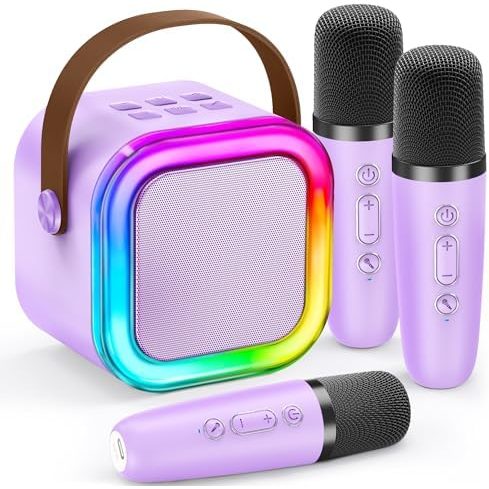
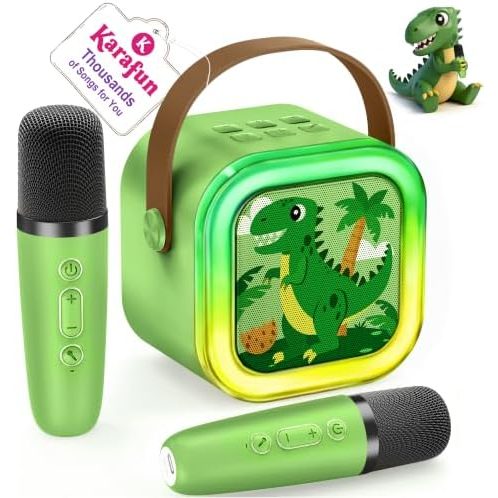
Switch on the cube and wait for the lights. Then switch on each microphone. They look for the speaker by themselves and connect within seconds, with a working range of about 50 ft.
Add the music
Open Bluetooth on your phone, tablet or laptop and select the speaker. Anything that device plays now comes out of the cube: a music app, a video with lyrics, a bedtime story.
Use the Karafun month
Each machine includes one month of Karafun Premium. It runs as a mobile app, a TV app or in a browser, and shows lyrics in time with the track.
Start with songs the child already knows by heart. Confidence first, new songs later.
No phone? Use a TF card
Load songs onto a TF card, slide it into the slot and the cube plays them directly. The card is not included.
Quiet mode
Plug headphones into the jack on the cube for private rehearsals, and press the light button to switch the ring off.